Ever wondered why your text appears bolder in the browsers than it does in Figma?
Browsers render text differently by default, often making it appear heavier, blurry or muddier than intended.
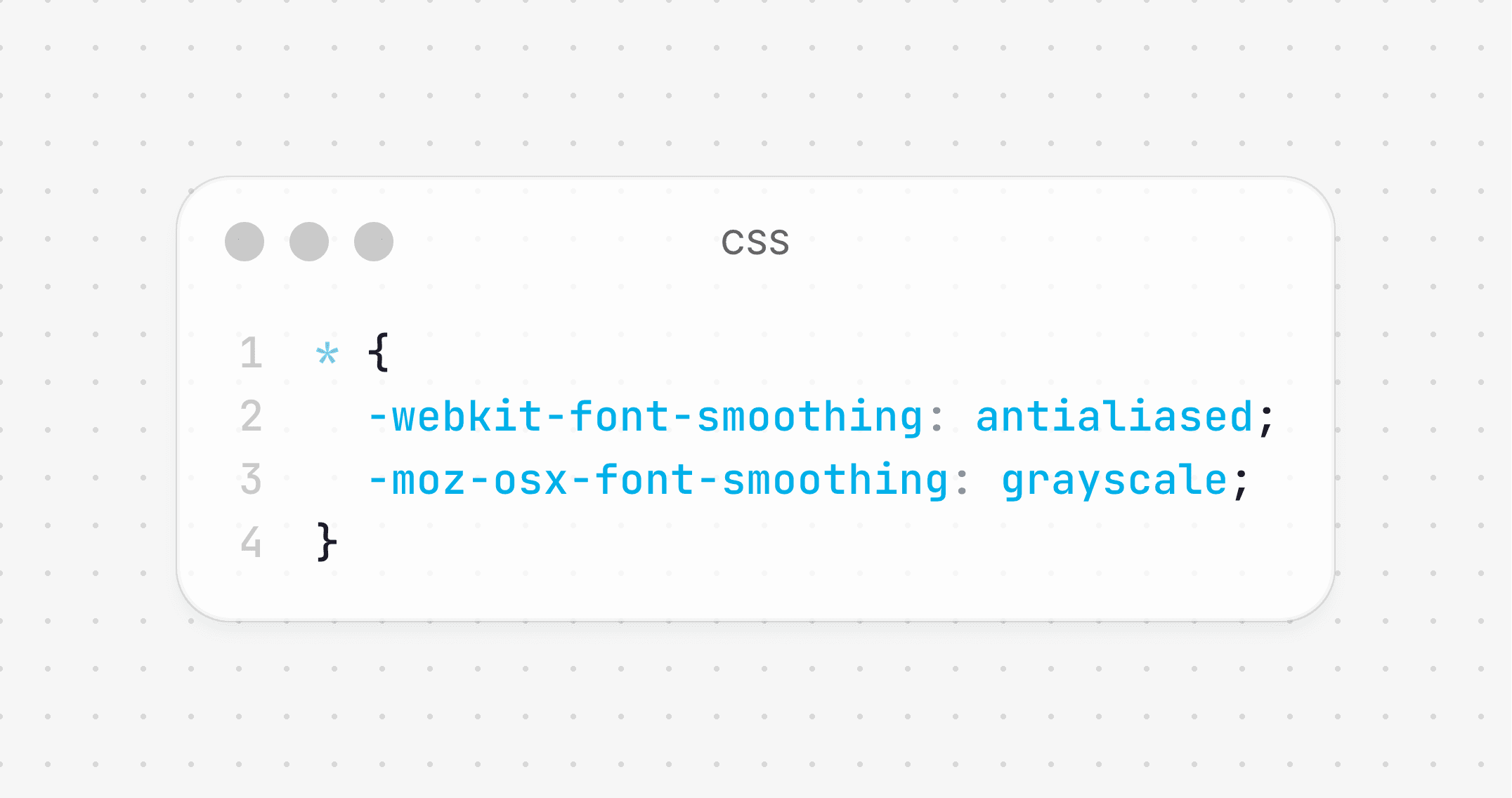
You can fix this with just 4 CSS lines:
Ever wondered why your text appears bolder in the browsers than it does in Figma?
Browsers render text differently by default, often making it appear heavier, blurry or muddier than intended.
You can fix this with just 4 CSS lines: